Display a Webpage / Website on NexSigns
You can display a Webpage as part of your digital signage easily by creating a Website Channel.
It is recommended to use the Multimedia Layout option as you can display a Website along with all the features of the Multimedia Channel / Multimedia Playlist
Topics Covered
Within a Multimedia Layout
- Either
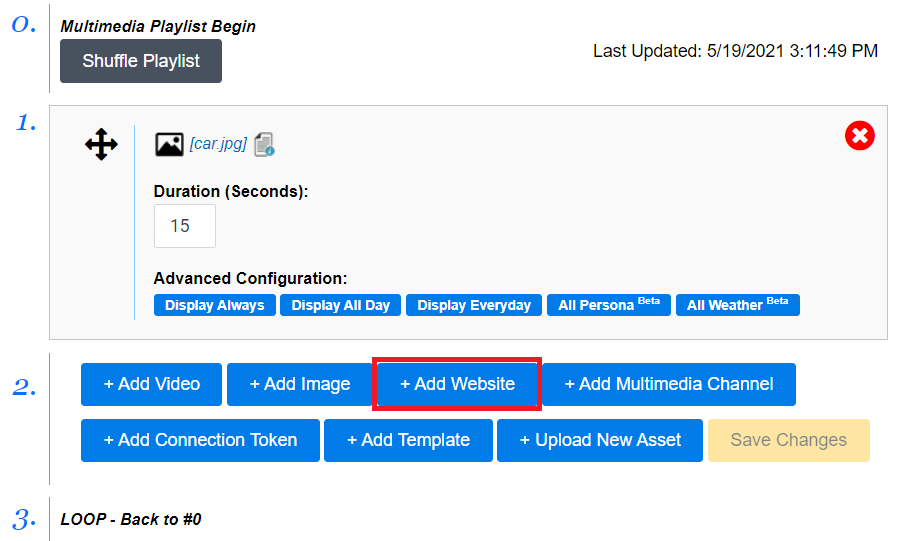
- Navigate to the Multimedia Channel / Playlist
- Click on Add Website
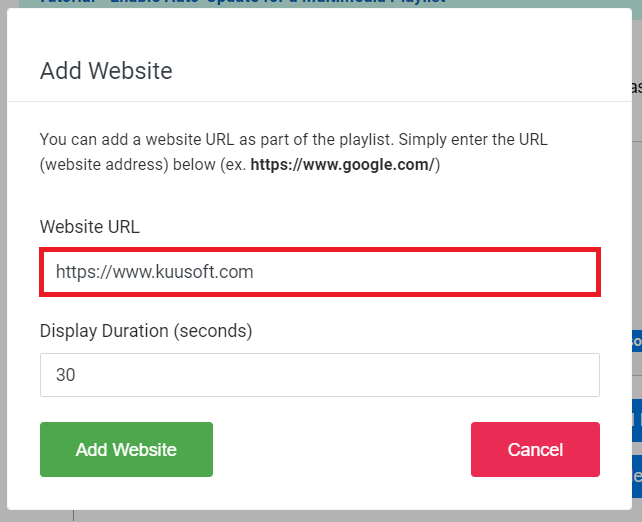
- Type in the Website to the Website URL Text Box
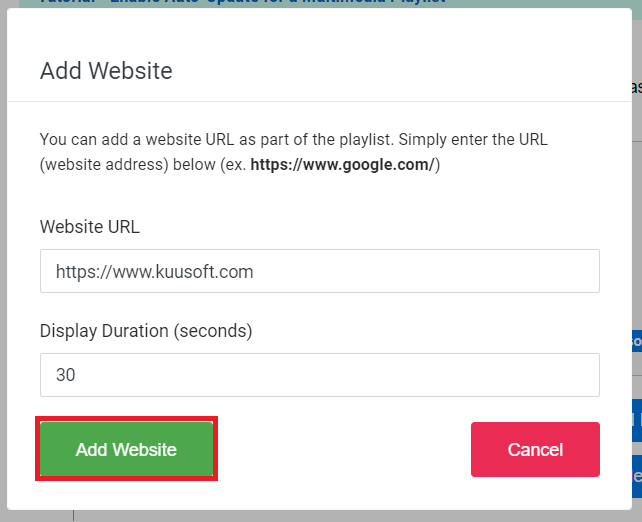
- Click on Add Website
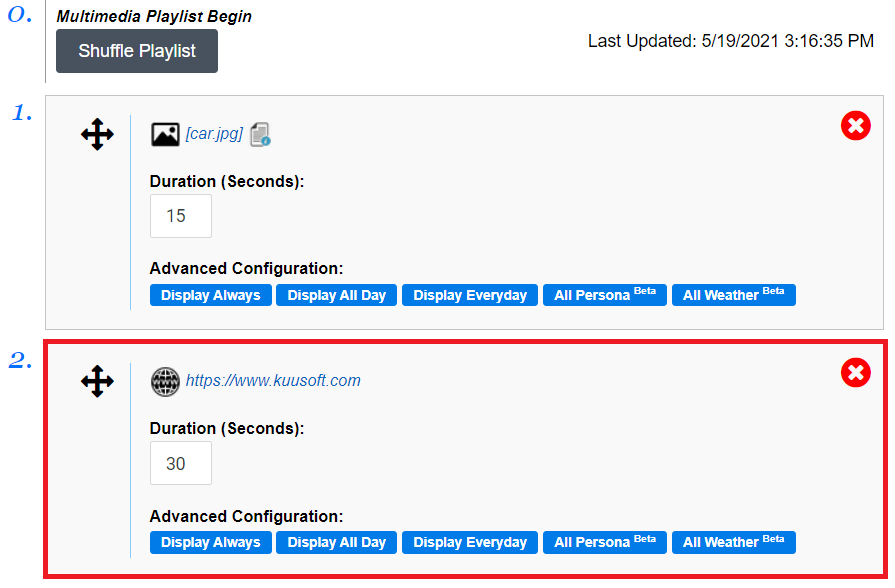
- Publish the Layout
- You have successfully added a Website to a Multimedia Layout
Create a Website Channel
- Open a New Browser Tab
- Login to OnePass - (For more information, see How to access OnePass)
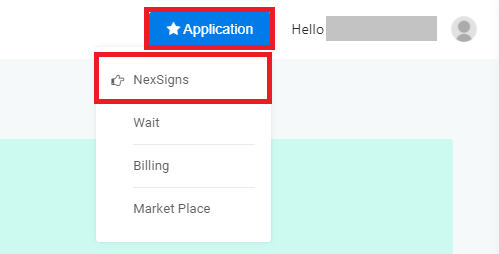
- Click on Application then select NexSigns
- Click on Start Action on your intended Product License
- Select Manage Channel located in the left menu
- Click on Create New Channel
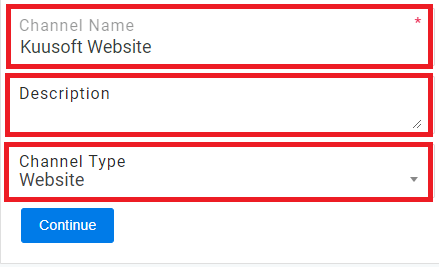
- Enter a Channel Name, Description, and Select Website in the Channel Type drop-down menu
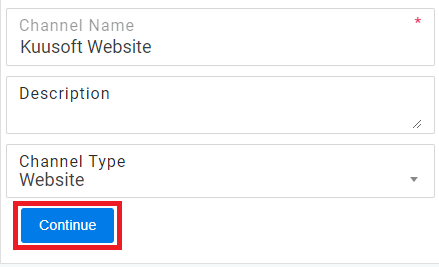
- Select Continue to finish creating a new Website Channel
- Type in or Copy and Paste the Website Link into the Website Link Configuration text box
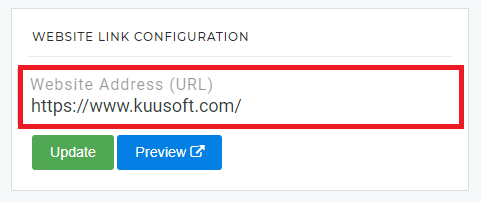
- Click on Update
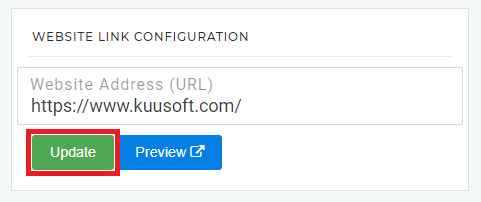
- You have successfully created a Website Channel
Applies to
NexSigns 2.x, NexSigns 3.X. OnePass 3.1.x
Related articles