How to Login to OnePass
Login to OnePass to manage Kuusoft products, services, and billing. You can log in with Kuusoft OnePass, Google, or Microsoft accounts.
Topics Covered
Access OnePass
Open a Web Browser - supported browsers include Google Chrome & Mozilla Firefox
Option 1 - Type in the URL
- Navigate to onepass.kuusoft.com
- Click on Sign In located at the right top corner

- Next, Login to OnePass
Option 2 - From the Kuusoft Website
- Navigate to kuusoft.com
- Click on Login located at the top menu bar

- Next, Login to OnePass
Login to OnePass
Access onepass.kuusoft.com
Option 1 - Sign in with Kuusoft OnePass
Enter your Login (email address) and Password
Your Login / Username is your Email Address
Your Password was sent in a Welcome Email with the subject OnePass Account Created – Kuusoft Corp.Can't remember your password? - Reset your Password
Don't have an account? - Create a new OnePass Account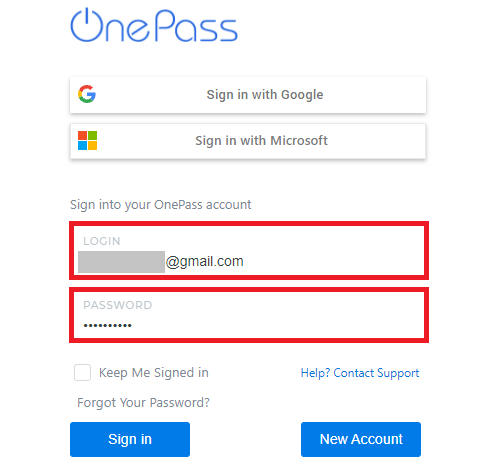
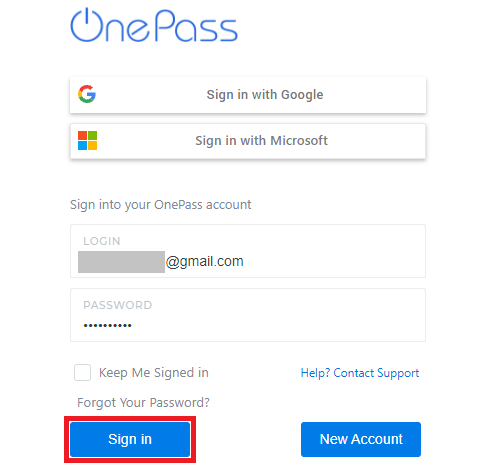
- Click on Sign In
Option 2 - Sign in with Google
- Click on Sign in with Google
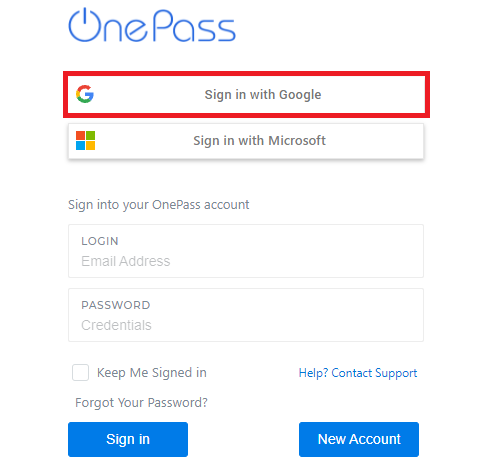
- Login with your Google Credentials
Option 3 - Sign in with Microsoft
- Click on Sign in with Microsoft
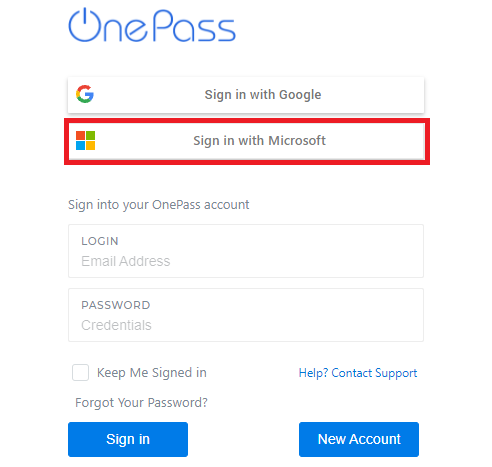
- Login with your Microsoft Credentials
Related articles